dime [ms]
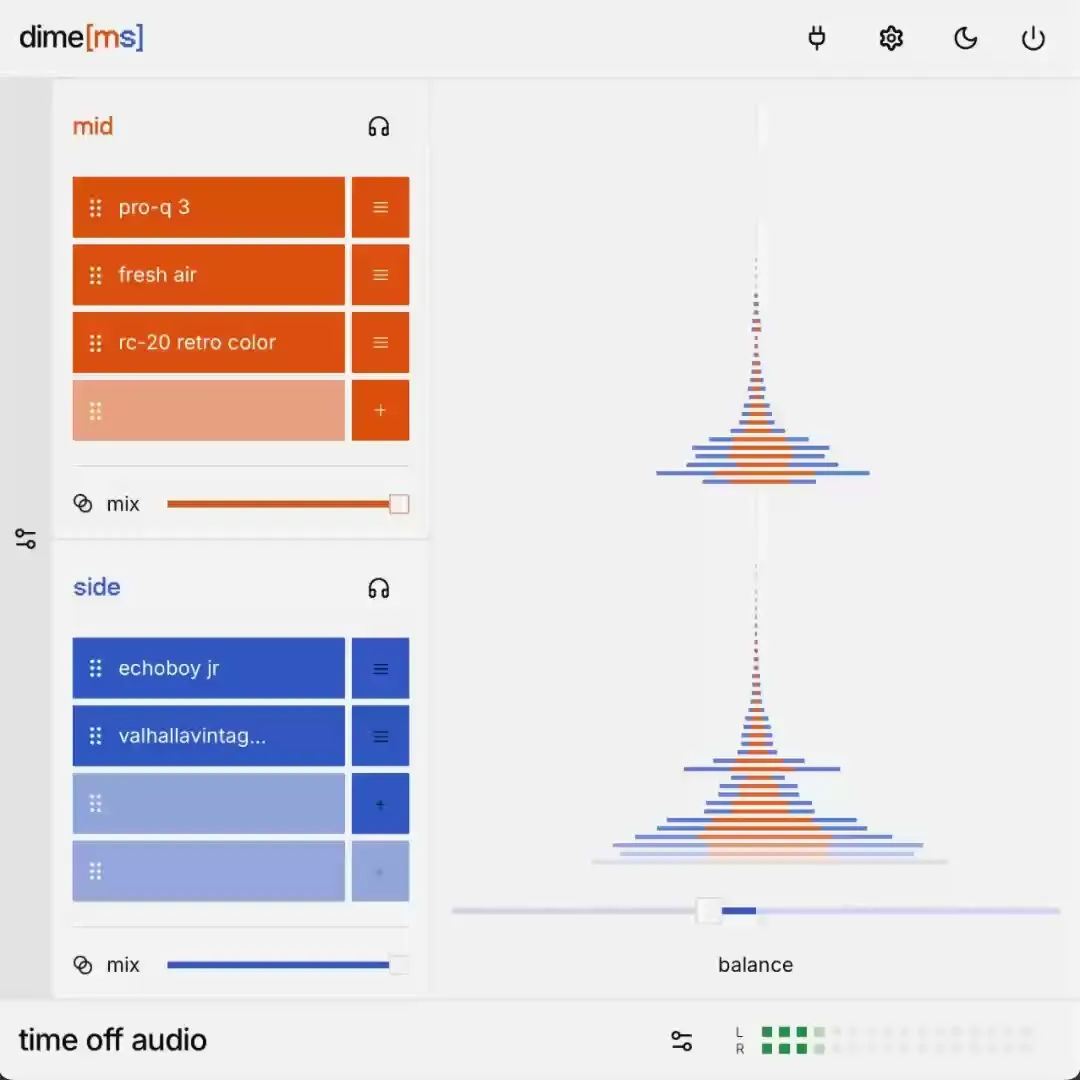
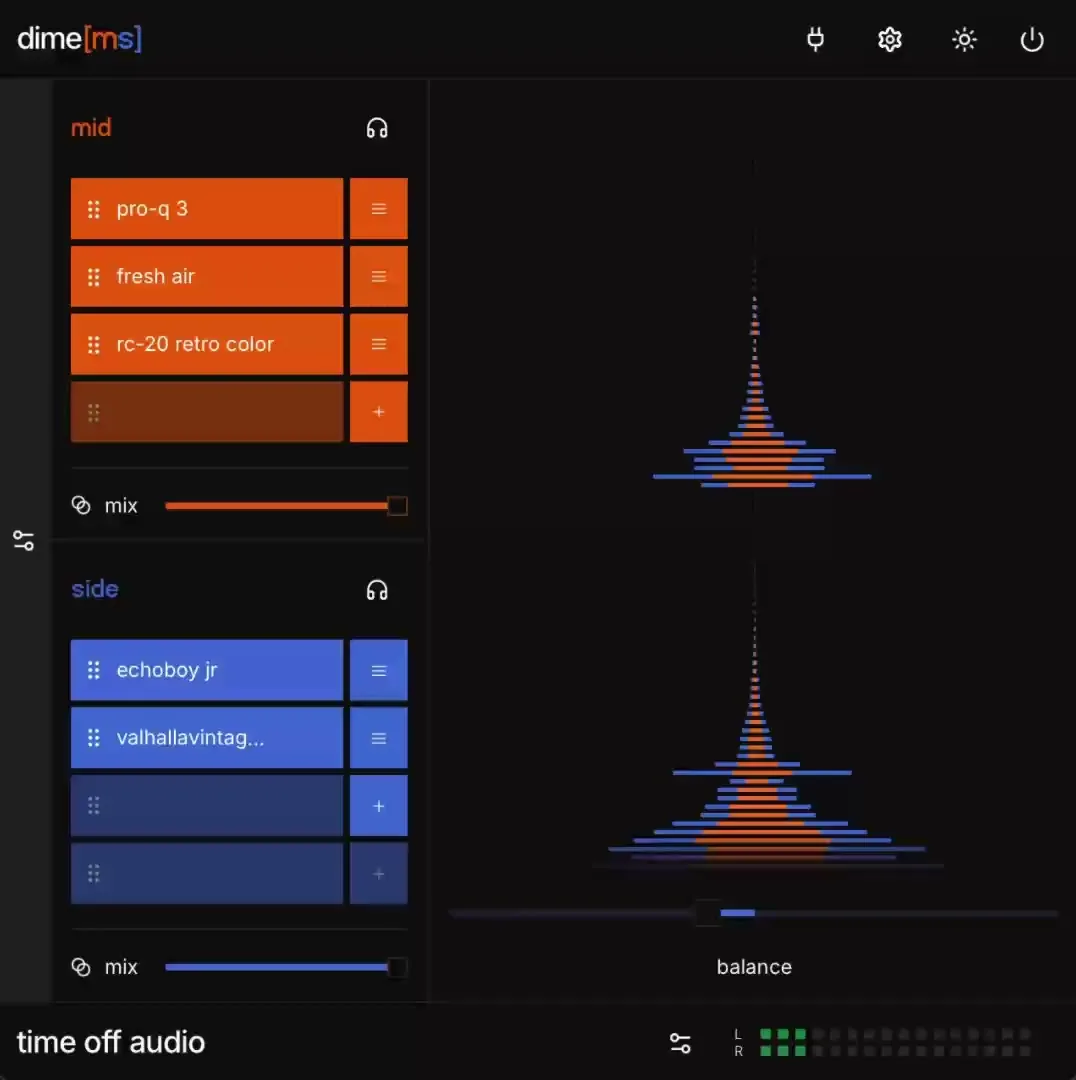
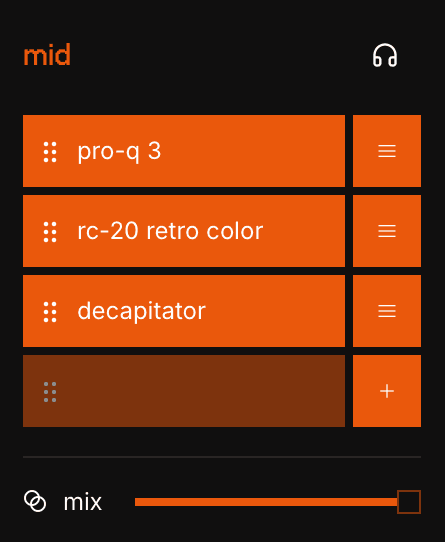
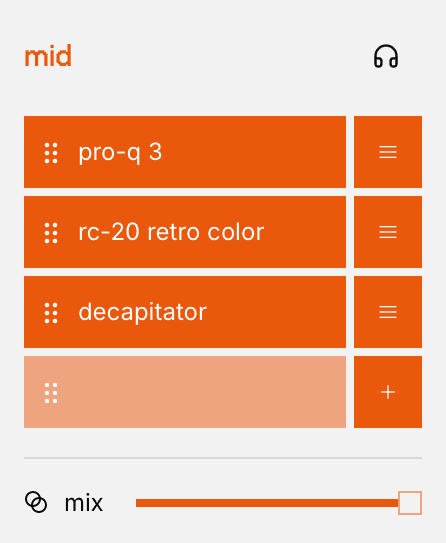
Stereo mix simplicity Create audio fx chains that target your mid frequencies and side channels separately Monitor the mid-side balance in real-time with stereo field visualization Achieve wider stereo image by targeting specific frequencies in the mix
Rated 4.6 out of 5 from 51 reviews.
Features
- Stereo Width: Widen or narrow your mix with a balance slider
- Mid Side visualization: Monitor mid/side balance in real-time
- Parameter Mappings: Control individual plugin parameters from dime[ms]
- Plugin Bypass: Toggle individual plugin effects on and off with ease
- Dry/Wet Sliders: Blend processed and unprocessed signals
- Seamless Integration: Recombine the mid and side signals without unwanted artifacts
Frequently Asked Questions
- Will the plugin work on my computer?
- Operating systems: macOS 13 (Ventura) and later. Tested on Apple Silicon only. Windows 10 and later. Tested on x64 only. Plugin formats: Wrapper types: VST3, Audio Unit, and AAX Supported hosted plugin formats: VST3 and Audio Unit AAX hosted plugins are not supported, this is a limitation from Avid themselves CPU/RAM: Compatible with both Intel/Apple Silicon. Any modern computer should be more than enough. Plugin window: a web view from your operating system (WebKit on macOS, Microsoft Edge WebView2 on Windows). The window can appear blank if that web view is missing, outdated, or blocked. Graphics: Spectrum and waveform visualizers need a working GPU. If hardware graphics are disabled or unavailable, audio still works; visualizers may be blank or fail to start. iLok-free activation (internet connection required at time of activation) Disk space: ~50mb It’s recommended to try out the plugin on your computer before purchasing. You can download a free trial from the customer portal.
- Do you offer a free trial?
- Yes. Create an account in the customer portal, install the plugin, and activate a 7-day fully functional trial the first time you open it.
- Do you offer refunds?
- Yes. You can request a full refund within 14 days of purchase via the support form.
- How many machines can I activate a license on?
- Each license activates on 3 machines. Transfer a license to a new machine by contacting support.
- What are the most important concepts in mid-side processing?
- Stereo mix: Early recordings consisted of a single mono signal, meaning that the left and right speakers (or headphones) had precisely the same audio coming out. Stereo channels changed the game by introducing differences the left channel and the right channel signals. Mid-Side Processing: The mid frequencies of a stereo track are heard equally in both speakers, while the 'side' or edges of the audio signal contain sounds that are different in your left and right ears. Mid-Side EQ is a mixing technique that works to balance sonic elements in a mix, ensuring low frequencies and high frequencies each have a dedicated place in the overall stereo signal. Stereo width: Stereo width is how wide or spread out a stereo sound feels, making it sound spacious or narrow. Stereo image: The measurable distribution of sound in stereo information. Dime [ms] visualizer shows you how your effect chains will impact the listener’s perception of depth and sound location. Signal flow: The mid and side channels can be routed through audio effects in whatever order you choose. Signal flow refers to the sequence of audio effect chains that you choose, defining the processing stages that your mid or sides travel through. Psychoacoustics: Mix engineers make technical changes with goal of changing the way an audience will feel about individual tracks. Psychoacoustics deal with the felt experience of a good stereo spread, leading to better immersion and sonic presence.
- What is a stereo signal and how does dime [ms] process it?
- A stereo signal contains two channels — the left and right — which together create a sense of spatial depth in your mix. dime [ms] separates this stereo signal into its mid and side components, allowing you to apply different effects to each, giving you greater control over the stereo image.
- How can I use mid-side EQ to improve my vocal track?
- Mid-Side EQ is a powerful mixing technique that lets you shape the frequency content of the mid and side signals independently. For vocal tracks, you might boost the high frequencies in the mid channel for clarity while softening the sides to reduce harshness. This preserves focus on the lead vocals while enhancing the stereo spread.
- Why is mid-side processing important for electronic music producers?
- Electronic music often relies on wide stereo effects and intricate spatial elements. Mid-Side processing helps electronic music producers maintain mono compatibility while creating a wider stereo image. By isolating the mid and side signals, dime [ms] lets you apply high-pass filters, delays, or modulation effects where they’ll have the most impact.





![UI of the dime[ms] audio plugin, focusing on the balance slider](/_next/image?url=%2Fimages%2Fdime-ms%2Ffeature-1-dark.png&w=3840&q=75&dpl=dpl_5wSVwQ74XzXgx5Gu1HK52zX6BFhM)
![UI of the dime[ms] audio plugin, focusing on the balance slider](/_next/image?url=%2Fimages%2Fdime-ms%2Ffeature-1-light.png&w=3840&q=75&dpl=dpl_5wSVwQ74XzXgx5Gu1HK52zX6BFhM)
![dime[ms] hero](/_next/image?url=%2Fimages%2Fdime-ms%2Ffull-ui-screenshot-dark.png&w=3840&q=75&dpl=dpl_5wSVwQ74XzXgx5Gu1HK52zX6BFhM)
![dime[ms] hero](/_next/image?url=%2Fimages%2Fdime-ms%2Ffull-ui-screenshot-light.png&w=3840&q=75&dpl=dpl_5wSVwQ74XzXgx5Gu1HK52zX6BFhM)