dime [tt]
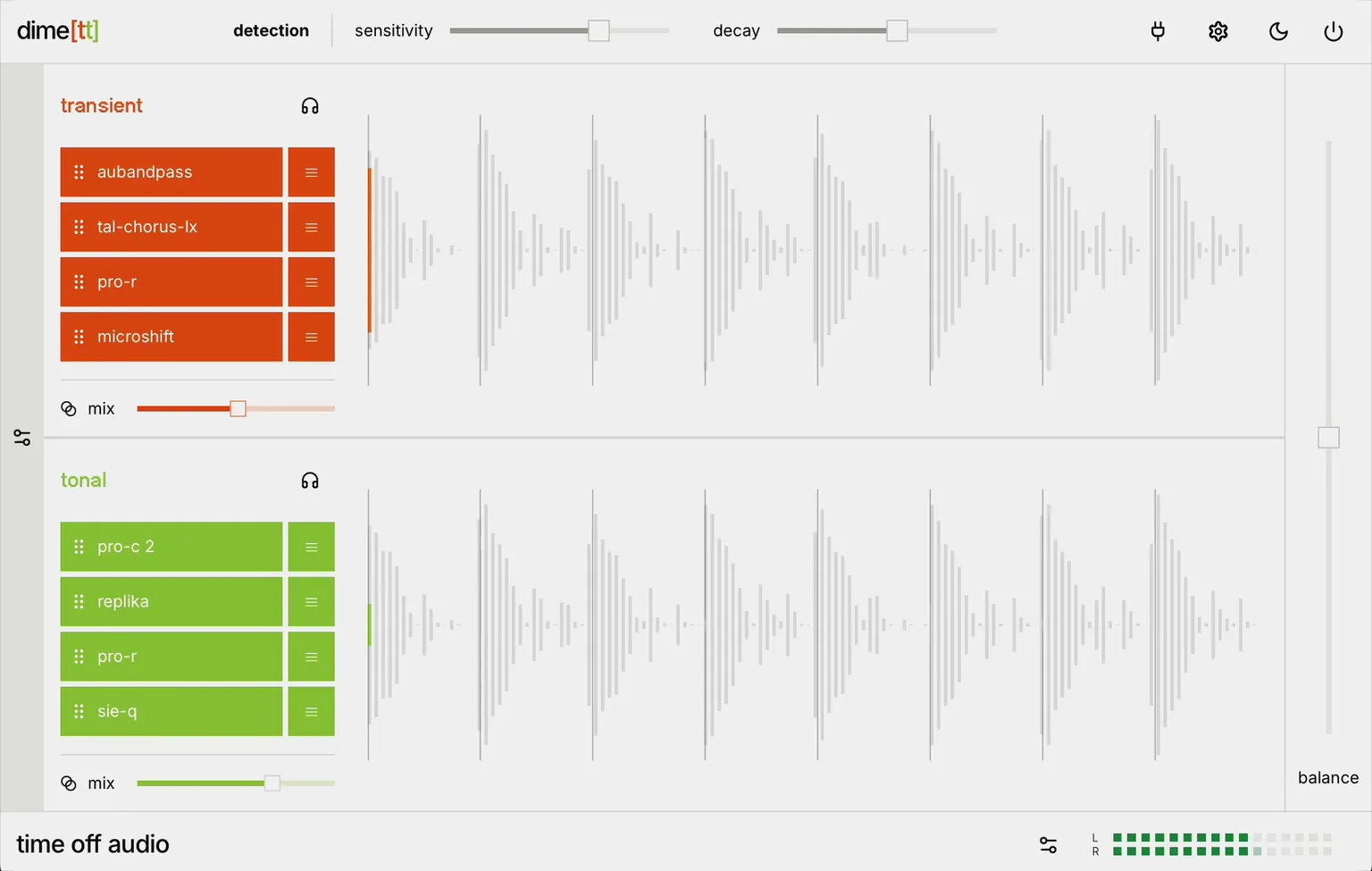
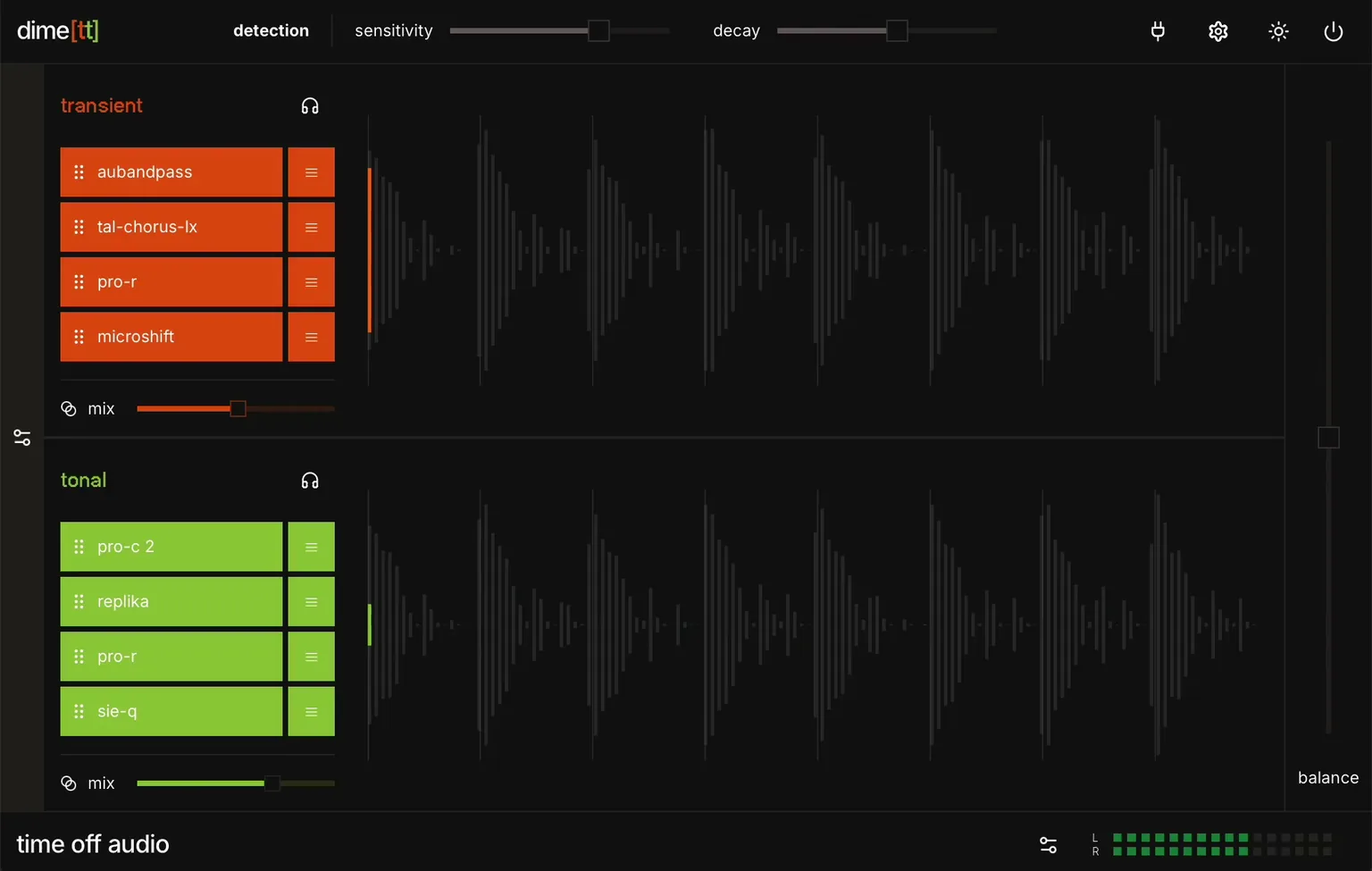
Ultimate transient shaping dime [tt] splits your audio signal into transient-attack and tonal-sustain layers, allowing you to process each layer independently: it's the ultimate transient shaper. No more complex parallel processing with auxiliary busses, custom routing, or sends
Rated 4.7 out of 5 from 25 reviews.
Features
- Sensitivity and decay: Target your transients with laser precision
- Parameter mappings: Hook into any plugin parameter and control it directly from dime[tt]
- Plugins bypass: Turn individual plugins on and off without breaking the effect chain
- Dry/wet sliders: Dial-in each chain's mix with a dedicated dry/wet slider
- Seamless blending: Recombine the outputs with zero unwanted artifacts
- Low Latency & CPU Efficient: Process audio without slowing down your workflow
Frequently Asked Questions
- Will the plugin work on my computer?
- Operating systems: macOS 13 (Ventura) and later. Tested on Apple Silicon only. Windows 10 and later. Tested on x64 only. Plugin formats: Wrapper types: VST3, Audio Unit, and AAX Supported hosted plugin formats: VST3 and Audio Unit AAX hosted plugins are not supported, this is a limitation from Avid themselves CPU/RAM: Compatible with both Intel/Apple Silicon. Any modern computer should be more than enough. Plugin window: a web view from your operating system (WebKit on macOS, Microsoft Edge WebView2 on Windows). The window can appear blank if that web view is missing, outdated, or blocked. Graphics: Spectrum and waveform visualizers need a working GPU. If hardware graphics are disabled or unavailable, audio still works; visualizers may be blank or fail to start. iLok-free activation (internet connection required at time of activation) Disk space: ~50mb It’s recommended to try out the plugin on your computer before purchasing. You can download a free trial from the customer portal.
- Do you offer a free trial?
- Yes. Create an account in the customer portal, install the plugin, and activate a 7-day fully functional trial the first time you open it.
- Do you offer refunds?
- Yes. You can request a full refund within 14 days of purchase via the support form.
- How many machines can I activate a license on?
- Each license activates on 3 machines. Transfer a license to a new machine by contacting support.
- What are the most important concepts in transient processing?
- Transients: Also known as the attack, the transient is a sudden change in loudness over a short period of time and can be measured in decibels (loudness). Tonal elements: The tail or sustained portion of the signal that occurs after the attack. Transient Sensitivity: Sensitivity refers to the threshold of loudness (in decibels) required to capture the attack. A higher sensitivity captures a higher number of smaller transients. Lower sensitivity ensures that only loud transients are detected.. Transient shaping: Altering the dynamics of the attack in an audio clip to achieve tighter and punchier mixes. Sustain control: The measure of time immediately after a sharp attack, when the signal is still part of the transient. As signal decays, the tonal element or sustain begins. Digital clipping: Unwanted noise resulting from low quality sound separation, aliasing, or phase issues. dime [tt] uses special algorithms to ensure there are zero artifacts in your final audio signal.
- How does dime [tt] compare to traditional transient shapers?
- dime [tt] is the first transient processor with audio plugin chains assigned to the transient and tonal layers of any audio signal. This means you can load audio fx from your personal collection and create custom fx stacks to achieve precise control. All of the other simple transient shaper plugins (like SPL Transient Designer, Kilohearts Transient Shaper, Waves Smack Attack, Native Instruments Transient Master, and Slate Digital Transient Shaper) treat audio signals uniformly across the entire frequency range. Our unique plugin chains, low-latency and zero-artifact output, and data visualization all play a role in this great tool.
- Can dime [tt] help me improve the quality of my drum sounds?
- Yes, dime [tt] helps you gain control over the timbre of percussion instruments in your drum breaks and drum loops. For example, you can target the attack with compression to sharpen the punch and attack of a kick drum or snare hit, without impacting the room sound. This helps you quickly achieve snappy sounds with tight, sharp attacks. Preserving clarity even in the high frequencies, ensuring cymbals and hi-hats retain their sparkle and presence without harshness or artifacts. This kind of transient processing would normally require a drum bus and complex parallel processing. Our custom low-latency algorithm also works to prevent common issues with digital clipping and audio artifacts, maintaining clear definition across high and low frequencies.
- Does dime [tt] have a built-in warmth knob for tonal shaping?
- dime [tt] plugin chains make it easy to assign your favorite saturation or analog emulation directly to the sustain layer for greater flexibility and control. We don't include a warmth knob because we know that you'll prefer to use your own audio fx.





![UI of the dime[tt] audio plugin, focusing on the plugin chain section](/_next/image?url=%2Fimages%2Fdime-tt%2Fchain-dark.png&w=1080&q=75&dpl=dpl_21ed69kvNTzBNPhNkrnB9Lw5Yrst)
![UI of the dime[tt] audio plugin, focusing on the plugin chain section](/_next/image?url=%2Fimages%2Fdime-tt%2Fchain-light.png&w=1080&q=75&dpl=dpl_21ed69kvNTzBNPhNkrnB9Lw5Yrst)
![UI of the dime[tt] audio plugin, focusing on the sensitivity and decay sliders](/_next/image?url=%2Fimages%2Fdime-tt%2Ffeature-1-dark.png&w=3840&q=75&dpl=dpl_21ed69kvNTzBNPhNkrnB9Lw5Yrst)
![UI of the dime[tt] audio plugin, focusing on the sensitivity and decay sliders](/_next/image?url=%2Fimages%2Fdime-tt%2Ffeature-1-light.png&w=3840&q=75&dpl=dpl_21ed69kvNTzBNPhNkrnB9Lw5Yrst)

![Full expanded UI of dime[tt] plugin, showing the parameter mappings section](/_next/image?url=%2Fimages%2Fdime-tt%2Ffull-ui-screenshot-dark.png&w=3840&q=75&dpl=dpl_21ed69kvNTzBNPhNkrnB9Lw5Yrst)
![Full expanded UI of dime[tt] plugin, showing the parameter mappings section](/_next/image?url=%2Fimages%2Fdime-tt%2Ffull-ui-screenshot-light.png&w=3840&q=75&dpl=dpl_21ed69kvNTzBNPhNkrnB9Lw5Yrst)